Algorithm Visualizer
WFC Visualizer
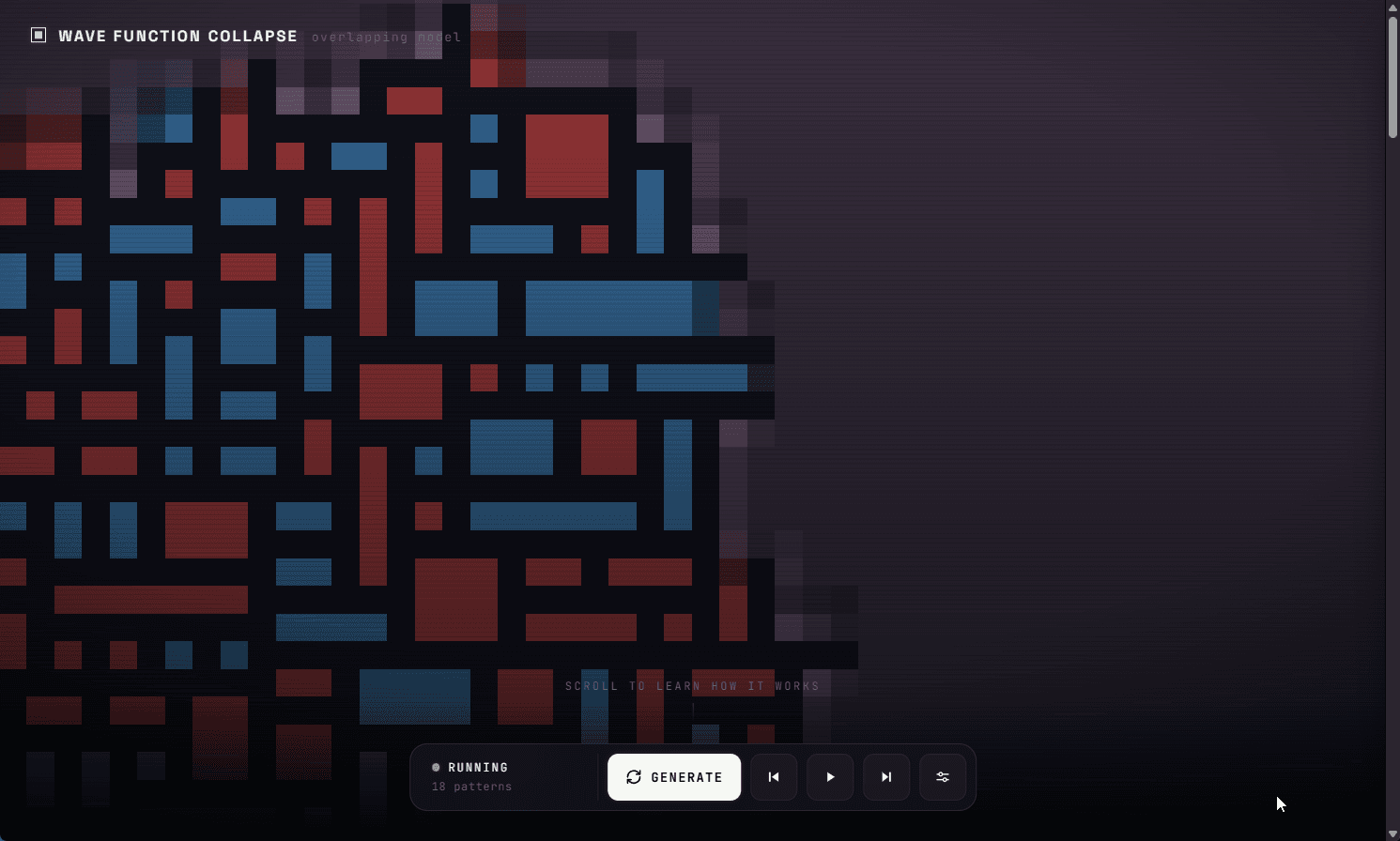
A live, interactive Wave Function Collapse visualizer whose real Python and NumPy engine runs in the browser through Pyodide, so a paintable sample drives an animated overlapping WFC solve with no server and no per-step round-trips.
Employer signal
What This Project Shows
This project shows that I can implement a non-trivial constraint-solving algorithm from first principles, then make it genuinely interactive in the browser by running the actual Python engine in WebAssembly instead of porting or faking it.
Problem
What Needed To Be Solved
Wave Function Collapse is usually shown as a finished GIF or buried in a game pipeline, which hides how it works. I wanted a visualizer where you can paint the source sample, change pattern size and symmetry, and step through the solve from the initial all-possible wave, but doing that smoothly over thousands of steps rules out a network round-trip per step, and rewriting the engine in JavaScript would have meant maintaining two implementations.
Approach
How I Built The Solution
I wrote the engine as plain Python and NumPy split into focused modules, then ran that exact code in the browser through Pyodide (CPython compiled to WebAssembly). The web UI keeps a long-lived Pyodide session alive so Play, Pause, and Step operate on real solver state, and the whole thing ships as static files on GitHub Pages with no build step.
Outcome
What It Demonstrates
The WFC Visualizer demonstrates algorithm implementation, NumPy-level data modeling, and the ability to deliver a real Python engine as a fast, server-free interactive web app through WebAssembly.
Evidence From Source
Source signal
The `wfc/` package precomputes adjacency into a `compatible[4, T, T]` table so propagation is a lookup, collapses the minimum-entropy cell with weighted random choice, and raises a `Contradiction` that triggers a restart, and the browser build fetches those same `wfc/*.py` files and imports them through Pyodide.
Engineering decision
Running the unmodified Python engine in WebAssembly instead of rewriting it in JavaScript is the key call: it keeps one tested implementation, allows smooth per-step animation without a server, and made the deploy a static GitHub Pages upload.